Skip to content
  • Meeting Room 365 (Home)
  • Blog
  • Support
Add a display to your office
03 Sep 2026

How to Manage Events from Email in Exchange Online PowerShell

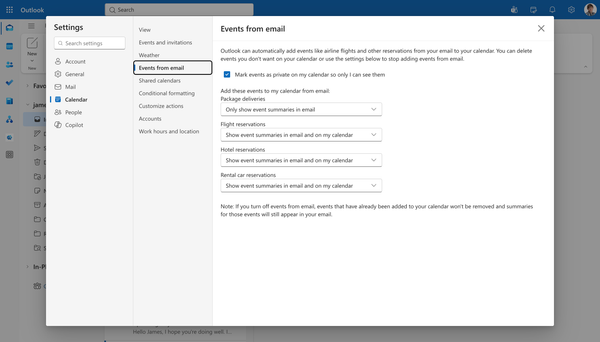
Exchange Online can create calendar items from information found in email messages, such as flight reservations, hotel bookings, dining reservations, and package deliveries. For administrators, this can be useful, but it can also add calendar items that users or organizations do not want. The events from email PowerShell settings in
7 min read Read
02 Sep 2026

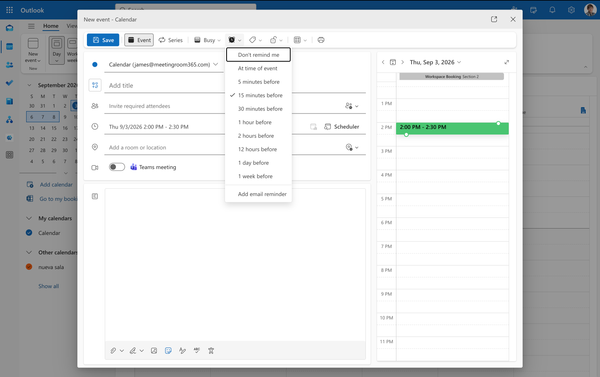
How to Configure Outlook Calendar Reminders with PowerShell

Exchange administrators can use Set-MailboxCalendarConfiguration to configure reminder behavior for individual mailboxes in Outlook on the web. The most relevant settings are RemindersEnabled, DefaultReminderTime, and ReminderSoundEnabled. These settings let you standardize whether calendar events produce reminders, how far in advance those reminders initially appear, and whether Outlook plays a sound
7 min read Read
27 Aug 2026

How to Configure Outlook Meeting Defaults with Powershell

Online meeting behavior can become inconsistent across a Microsoft 365 organization. Some users create every meeting as a Teams meeting, others disable the option, and some mailboxes inherit the Office 365 tenant default. Exchange Online administrators can manage these settings with Set-MailboxCalendarConfiguration and review them with Get-MailboxCalendarConfiguration. The main parameters
6 min read Read
19 Aug 2026

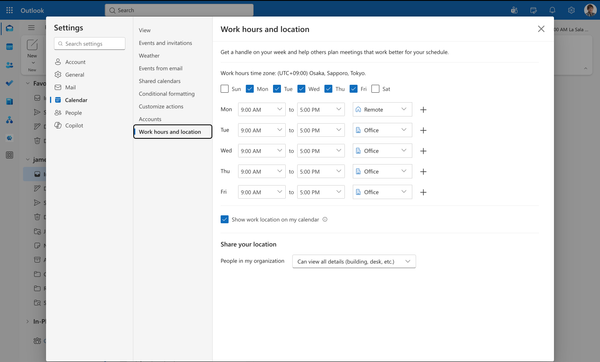
How to Configure Outlook Working Hours with Powershell

Incorrect working hours can cause Outlook and the Scheduling Assistant to treat inconvenient times as part of a user's normal workday. The settings do not replace free/busy data, but they affect how calendar availability is presented and how users interpret suggested meeting times. Exchange administrators can manage
7 min read Read
13 Aug 2026

How to Use Set-MailboxCalendarConfiguration in PowerShell

Mailbox calendar settings often become inconsistent after migrations, account provisioning, policy changes, or user edits in Outlook on the web. One mailbox may show the wrong working hours, another may have reminders disabled, and another may create online meetings or events from email differently from the rest of the organization.
7 min read Read
06 Aug 2026

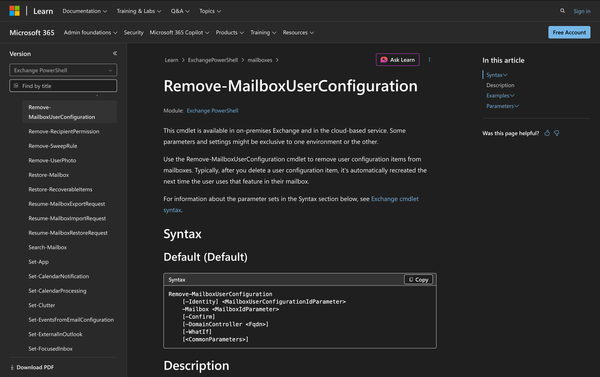
Using Remove-MailboxUserConfiguration in Powershell

In Microsoft Exchange, mailbox data includes more than messages and folders. There are also user-specific configuration items tied to mailbox features, and administrators sometimes need to remove a stored configuration item associated with a mailbox feature. That is where Remove-MailboxUserConfiguration comes in. This cmdlet is available in both Exchange Online
6 min read Read
15 Jul 2026

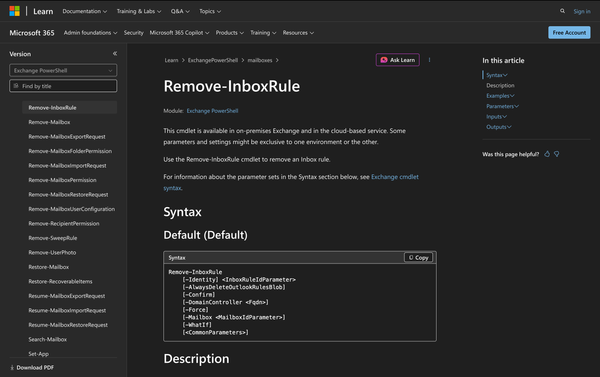
How to Use Remove-InboxRule in Powershell

Managing mailbox rules is a routine part of Exchange administration. Over time, users create rules to move, redirect, or process incoming messages, and admins may need to step in when those rules are no longer wanted. In some cases, a single rule needs to be removed. In others, all rules
7 min read Read
09 Jul 2026

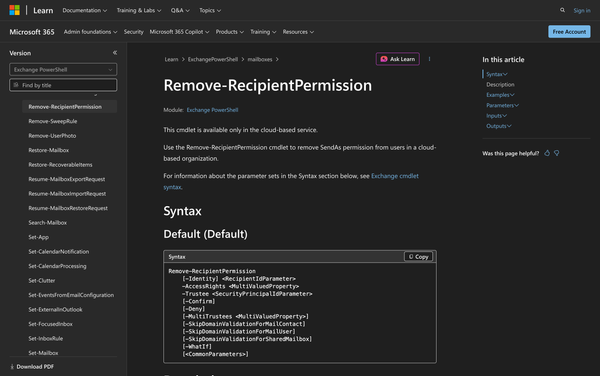
How to Use Remove-RecipientPermission in Powershell

In the world of Microsoft Exchange, managing permissions for mailboxes and distribution groups is a routine task for administrators. Permissions like SendAs allow one user to send emails on behalf of another. The Remove-RecipientPermission cmdlet plays a vital role in managing these permissions, specifically by revoking SendAs rights from users
5 min read Read
29 Jun 2026

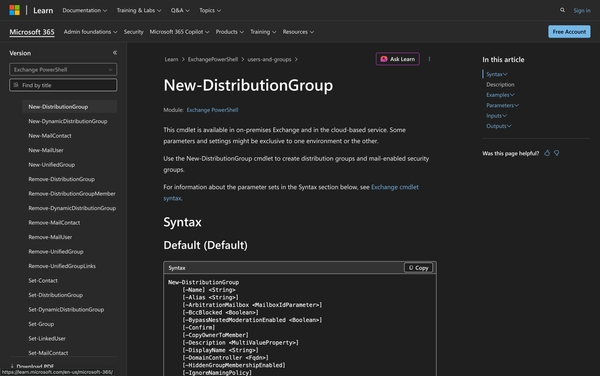
Using New-DistributionGroup in Powershell: All You Need to Know

Creating and managing distribution groups in Microsoft Exchange is a fundamental task for administrators. Distribution groups allow for efficient communication within organizations by sending emails to multiple recipients at once. The New-DistributionGroup cmdlet is a versatile tool in PowerShell that helps create universal distribution groups and mail-enabled universal security groups.
5 min read Read
03 Jun 2026

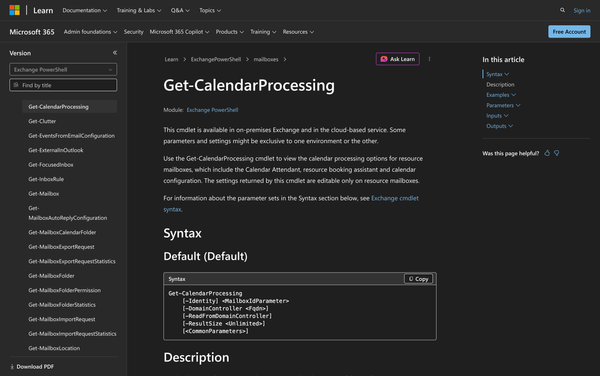
How to Use Get-CalendarProcessing in Powershell

In modern enterprise environments, Microsoft Exchange plays a crucial role in managing communication and scheduling. Within Exchange, resource mailboxes are essential for handling meeting rooms and equipment reservations effectively. Resource mailboxes automate the booking process, ensuring that meeting requests are seamlessly processed according to organizational policies. One of the key
4 min read Read
27 May 2026

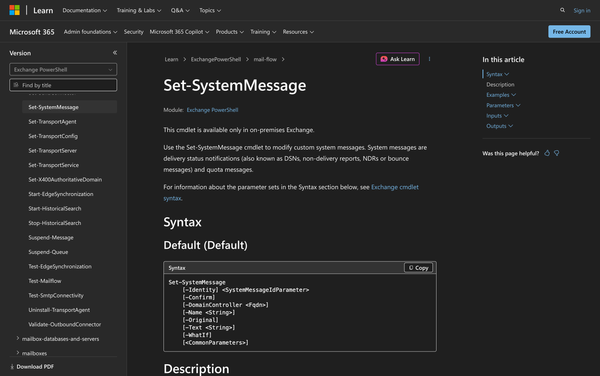
Using Set-SystemMessage in Powershell: All You Need To Know

In the realm of Microsoft Exchange Server, managing system messages is an essential task for administrators. System messages, commonly known as delivery status notifications (DSNs), non-delivery reports (NDRs), or bounce messages, play a critical role in communicating email delivery issues. Additionally, quota messages inform users about mailbox size limitations. The
4 min read Read
20 May 2026

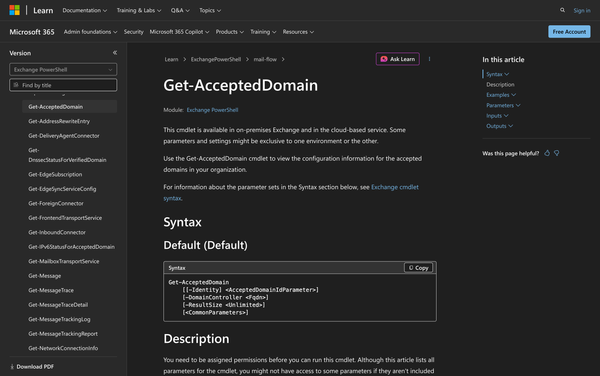
How to Use Get-AcceptedDomain in PowerShell

Understanding and managing accepted domains is a pivotal part of maintaining a robust email infrastructure. Accepted domains in Exchange are those for which the email server is responsible for handling mail. These can include authoritative domains, internal relay domains, and external relay domains. They help determine how email is processed
4 min read Read
13 May 2026

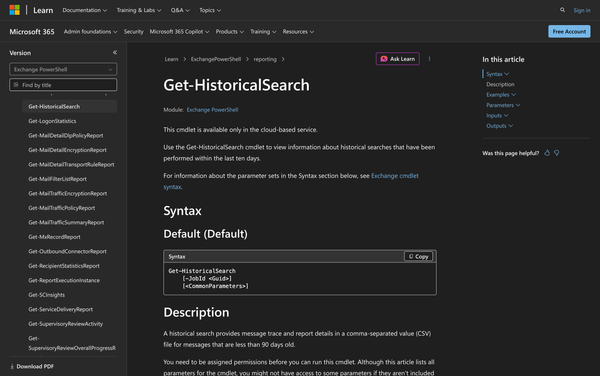
Using Get-HistoricalSearch in PowerShell

Understanding historical search activity is useful for administrators managing Exchange Online. When historical message trace searches have already been created with Start-HistoricalSearch, the Get-HistoricalSearch cmdlet lets administrators view information about those searches within the last ten days. A historical search provides message trace and report details in a comma-separated value
4 min read Read
06 May 2026

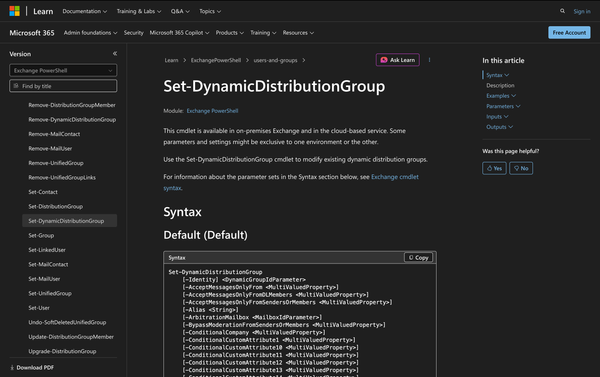
How to Use Set-DynamicDistributionGroup in PowerShell

Setting up and managing dynamic distribution groups can greatly enhance how communication is structured within an organization using Microsoft Exchange. These groups automatically include members based on defined filters, making them efficient for sending emails to a large, fluid list of recipients without manual updates.  For administrators, the Set-DynamicDistributionGroup cmdlet
7 min read Read
30 Apr 2026

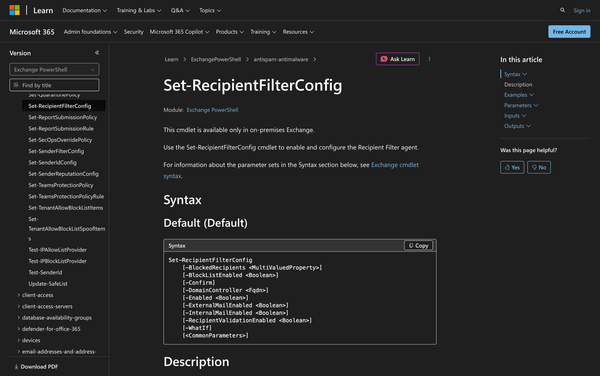
Using Set-RecipientFilterConfig in PowerShell

In Microsoft Exchange Server, managing and filtering email effectively is central to maintaining a secure and efficient communication system. One of the important tools in an admin's toolkit for this purpose is the Set-RecipientFilterConfig cmdlet.  This cmdlet is specifically designed for configuring the Recipient Filter agent, which plays
5 min read Read
22 Apr 2026

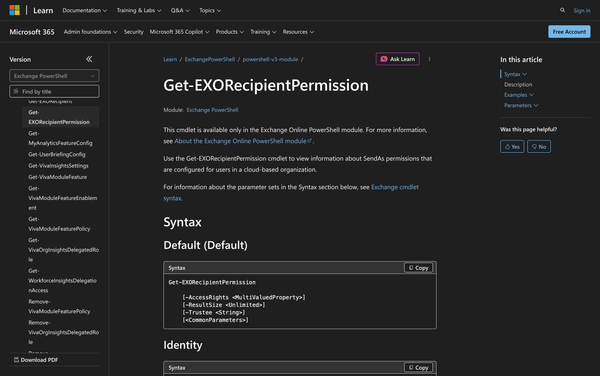
Using Get-EXORecipientPermission in Powershell

In a cloud-based organization, managing permissions is a vital task for administrators who need to ensure that the right people have the correct access to resources. In the context of Microsoft Exchange, permissions such as SendAs play a significant role in how email communication is handled. The Get-EXORecipientPermission cmdlet is
4 min read Read
15 Apr 2026

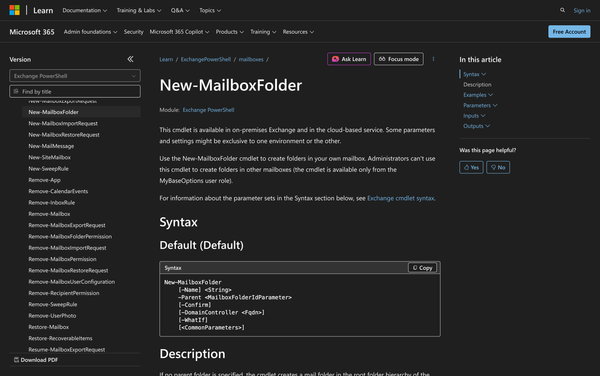
How to Use New-MailboxFolder in Powershell

In the world of Microsoft Exchange, users often need to organize their mailbox content effectively to manage emails, documents, and other items. The New-MailboxFolder cmdlet in PowerShell provides a solution for users to create new folders within their own mailboxes, thus enhancing organization and accessibility. This cmdlet is particularly useful
4 min read Read
08 Apr 2026

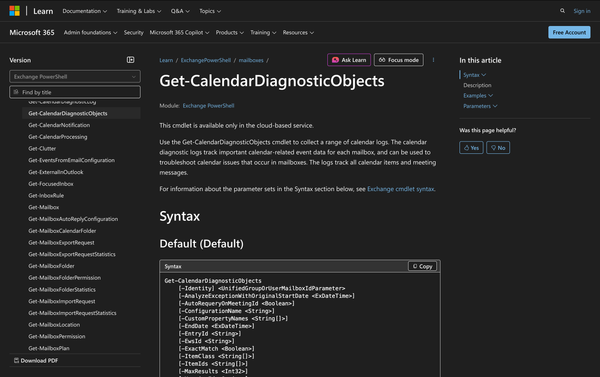
Using Get-CalendarDiagnosticObjects in Powershell

In the world of Microsoft Exchange Online, managing calendars efficiently is essential to ensure smooth scheduling and coordination among users. Calendar issues can disrupt workflows, leading to missed meetings, duplicated events, or unexpected cancellations. For Exchange administrators, the ability to troubleshoot and diagnose these problems is invaluable. The Get-CalendarDiagnosticObjects cmdlet
5 min read Read
01 Apr 2026

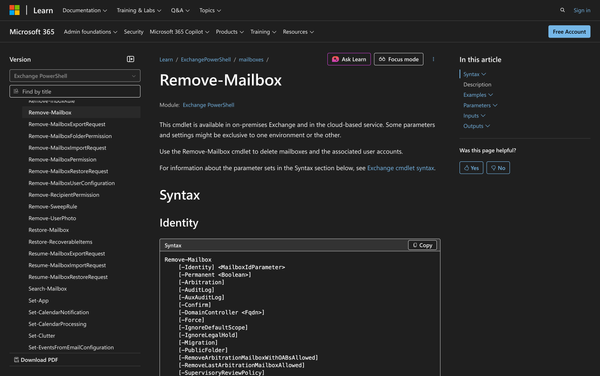
How to Use Remove-Mailbox in Powershell

Managing mailboxes efficiently is a vital task for Exchange administrators. Whether dealing with user mailboxes or public folders, it's essential to know how to properly remove mailboxes without leaving any residual data. The Remove-Mailbox cmdlet in PowerShell is a handy tool that allows administrators to remove mailboxes. In
4 min read Read
25 Mar 2026

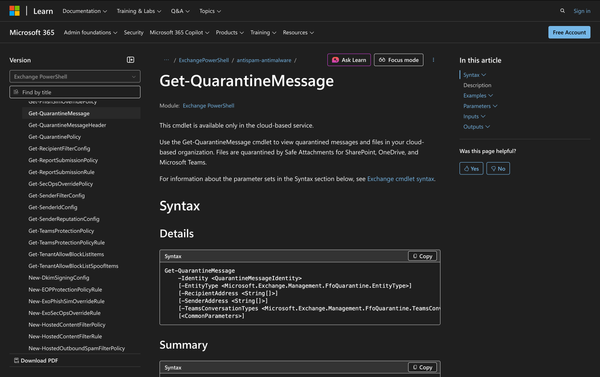
Using Get-QuarantineMessage in Powershell

Microsoft's cloud-based services like Exchange Online, SharePoint, OneDrive, and Microsoft Teams rely heavily on security features to protect organizations from various threats. Among these features is the capability to quarantine suspicious messages and files, providing an extra layer of protection. The Get-QuarantineMessage cmdlet in PowerShell is used by
5 min read Read
18 Mar 2026

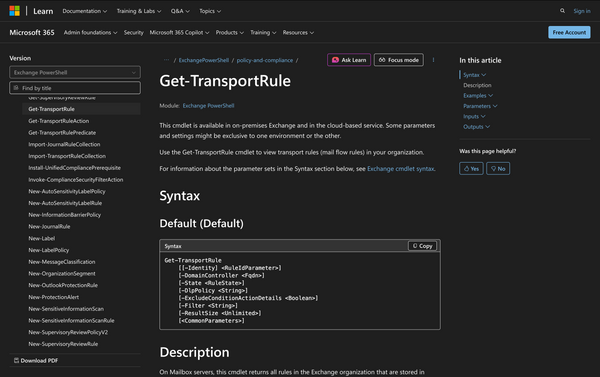
How to Use Get-TransportRule in Powershell

In the realm of Microsoft Exchange, transport rules, often referred to as mail flow rules, are pivotal to managing the flow of email messages based on specific conditions and actions. These rules can be configured to apply a wide array of actions, such as rerouting messages, appending disclaimers, or even
4 min read Read
11 Mar 2026

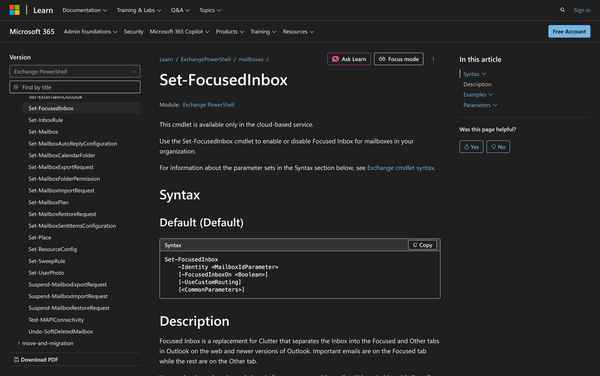
Using Set-FocusedInbox in Powershell: All You Need to Know

In the realm of email management, Microsoft Exchange offers a variety of features to enhance user productivity. One such feature is the Focused Inbox, which is available for both Outlook on the Web and newer versions of Outlook desktop applications. This feature helps users prioritize important emails by separating them
4 min read Read
04 Mar 2026

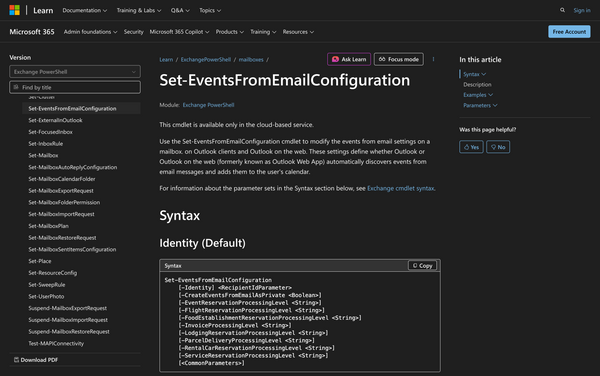
How to Use Set-EventsFromEmailConfiguration in Powershell

The modern workplace relies heavily on effective scheduling tools, with email playing a central role in communications and logistics. In Exchange Online, email is more than just a conversation medium; it's a hub for scheduling and managing events. The Set-EventsFromEmailConfiguration cmdlet is a tool designed for administrators to
4 min read Read
25 Feb 2026

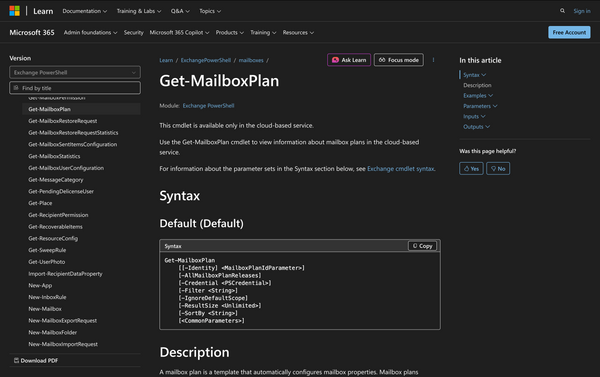
Using Get-MailboxPlan in Powershell: All You Need Know

As an admin you already know, Microsoft Exchange Online provides a robust framework for email management, including the use of mailbox plans. These plans are templates that define the properties and configurations for mailboxes in an organization. The Get-MailboxPlan cmdlet plays a vital role in helping administrators view and manage
5 min read Read
19 Feb 2026

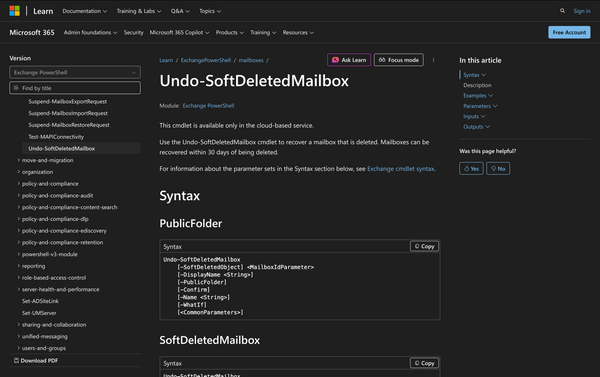
How to Use Undo-SoftDeletedMailbox in Powershell

In the world of Microsoft Exchange, managing user mailboxes efficiently is crucial for maintaining seamless communication within an organization. One common scenario that administrators face is the accidental deletion of user mailboxes. Fortunately, Exchange Online provides a way to recover those deleted mailboxes through the Undo-SoftDeletedMailbox cmdlet. When a mailbox
4 min read Read
Page 1 of 7 Older Posts →

Meeting Room 365

Add a display to your office

Meeting room displays, status boards, and visitor check-in. Connected to the calendar you already use, deployed in an afternoon.

See how it works

Put a live display on every meeting room door. Works with Microsoft 365, Exchange & Google Workspace.

Product

Room displays Pricing Hardware

Resources

Blog Support
© 2026 Meeting Room 365. All Rights Reserved.
Privacy Policy Terms of Service Cookie Policy